
API-First Lead Intelligence: Architecture, Use Cases, and Best Practices
API-first lead intelligence turns event data into enriched, real-time lead scores and segments for faster CRM and automation workflows.

API-first lead intelligence transforms how businesses handle lead data by enabling real-time processing, enrichment, and integration directly into tools like CRMs and Slack. Unlike older systems that rely on manual uploads and dashboards, API-first platforms automate data flows, ensuring faster responses and better lead prioritization. Here's what you need to know:
Core Features:
Real-time data enrichment and scoring.
Seamless integration into custom workflows via APIs.
Automated lead segmentation and scoring for immediate action.
Key Components:
Track API: Collects event data like page views and clicks.
Lookup APIs: Enriches data with firmographic details.
App APIs: Manages data exports and segmentation.
Use Cases:
Embedding lead intelligence in SaaS tools.
Real-time lead scoring for CRM updates.
Behavioral segmentation for targeted marketing.
Best Practices:
API-first platforms offer a faster, more efficient way to act on lead data, helping businesses focus on high-priority prospects without delays.
Core Architecture of API-First Lead Intelligence Platforms

API-First Lead Intelligence: Data Flow from Event Capture to Actionable Scoring
API-first lead intelligence platforms streamline data into actionable insights by processing it through integrated pipelines. The data journey involves capturing inputs, processing them, and delivering meaningful signals.
Key Components: Tracking Scripts, Identification APIs, and Enrichment Endpoints
These platforms are built around three main components:
Track API: Collects event data from websites, emails, and server-side sources.
Lookup APIs: Enables real-time data enrichment, such as linking IP addresses to companies or domains to detailed firmographic information.
App/Management API: Manages data retrieval, segmentation, and exports to internal tools or BI dashboards.
The structure follows a logical data hierarchy: Events (like pageviews, clicks, or email opens) are tied to Sessions, which in turn link to Users (or Leads). Custom properties flow upward through this hierarchy, ensuring all associated information is connected. Identity stitching plays a key role by merging anonymous activity with known profiles. For example, visitor IDs stored in first-party cookies can be matched with email addresses captured via forms or logins, transforming an anonymous visitor into a fully enriched lead.
Together, these components convert raw event data into real-time scoring signals.
Data Flow: From Event Capture to Real-Time Scoring
The platform's pipeline moves data through several stages, turning raw signals into actionable outputs for lead qualification:
Stage | Technical Action | Practical Example |
|---|---|---|
Input | Data Ingestion | Logging a |
Matching | Identity Resolution | Connecting an anonymous visitor to a known profile via a form. |
Enrichment | Contextual Addition | Using an IP address to identify "ACME Corp" and its revenue. |
Output | Actionable Signals | Updating a CRM record with a lead score or sending a Slack alert. |
Leads are categorized based on their scores into tiers like Hot (80–100), Warm (60–79), Qualified (40–59), or Cold (0–39). Hot leads are flagged for immediate follow-up, while cold leads are routed into nurture campaigns - all handled automatically.
To ensure reliability, platforms use message queues (like Redis, RabbitMQ, or AWS SQS) for asynchronous processing. They also implement exponential backoff to manage rate-limit errors effectively. Importantly, enrichment API calls should always be proxied through backend servers to safeguard API keys.
"Integrating an enrichment API isn't just about making a network call. It's about building a reliable system that handles errors, saves money, and provides accurate data to your team." - Jesse Ouellette, LeadMagic
Scaling these processes efficiently becomes critical as data volumes increase.
Scalability: Credit-Based Usage and Integration Pipelines
Scalability in API-first platforms relies on credit-based models and smart caching techniques. These platforms often operate on credit-based usage models, where each enrichment call or event processed draws from a shared credit pool.
A two-tier caching strategy helps control costs:
Short-term cache (e.g., Redis): Retains data for 24–48 hours to handle duplicate requests within a session.
Long-term storage (e.g., Postgres): Stores enriched profiles for 30–90 days before re-enrichment.
This approach can cut API enrichment costs by 20–30%.
Scenario | Recommended API Group | Scalability Benefit |
|---|---|---|
Tracking web, email, and server-side events | Track API | Efficient ingestion of high-volume raw signals. |
Enriching domains or identifying IPs | Lookup API | On-demand enrichment without maintaining large databases. |
Exporting leads or managing segments | App API | Simplified data retrieval for BI tools and internal use. |
Embedding intelligence in SaaS products | Track + App APIs | Supports multi-tenant scalability with isolated datasets. |
For user-facing features that require immediate responses, synchronous enrichment is ideal. On the other hand, tasks like CRM syncing or large-scale data processing are better handled through batch processing with message queues, offering stability and cost efficiency.
LeadBoxer API-First Architecture Overview
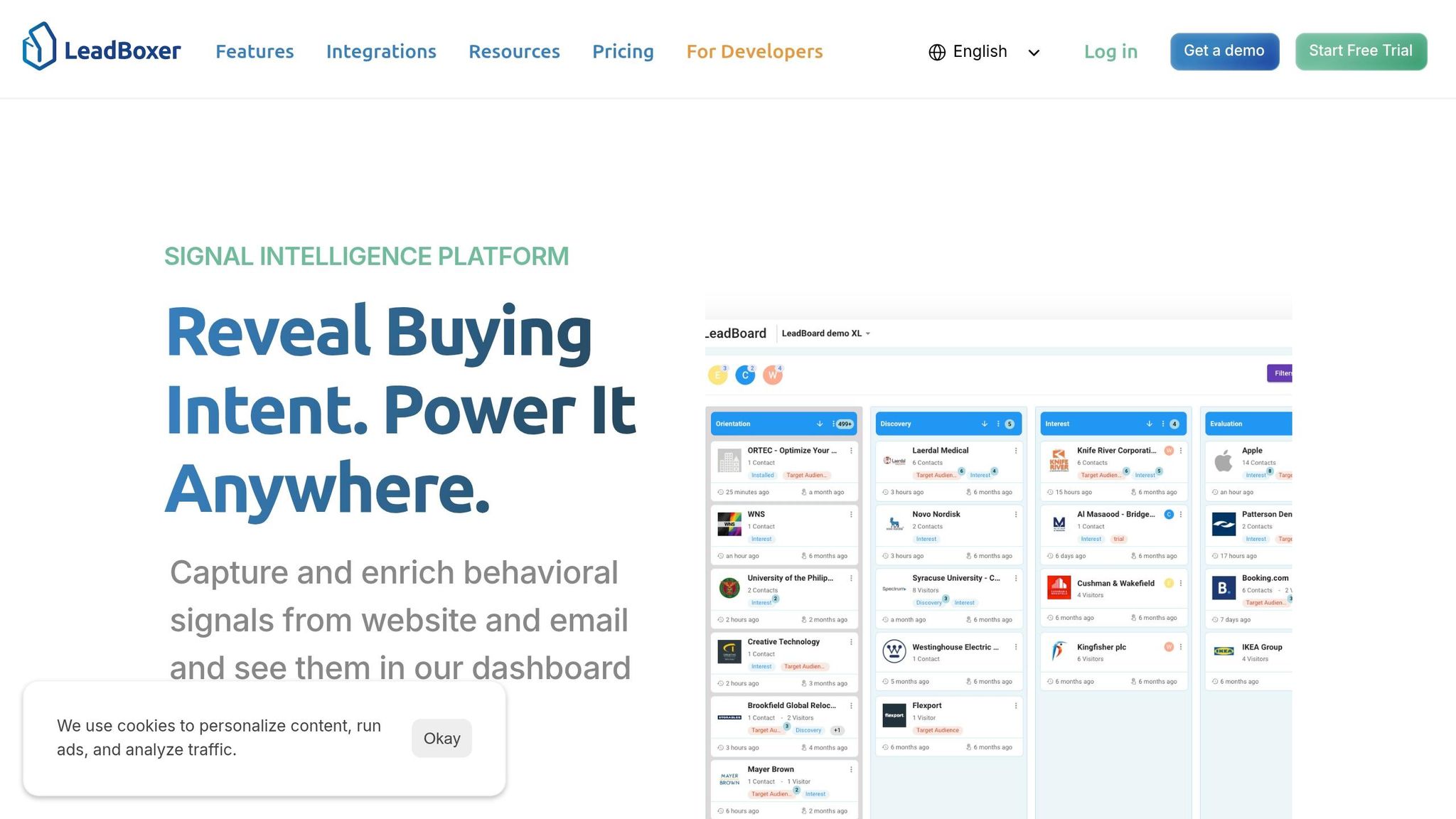
LeadBoxer operates as an API-first platform, making tracking, identification, enrichment, and scoring fully accessible through its API. This approach lets developers and growth teams integrate lead intelligence directly into their products or workflows, bypassing the need for a rigid user interface. By 2024, 65% of LeadBoxer users were leveraging the API for custom pipelines, a significant increase from 30% in 2022. This shift highlights the growing preference for flexible, developer-driven solutions. Below is a closer look at how LeadBoxer applies these principles to deliver real-time lead intelligence.
Real-Time Event Tracking and Behavioral Data Processing
LeadBoxer collects user activity using a lightweight JavaScript snippet that tracks interactions without requiring page reloads. This snippet captures events like page views, form submissions, scroll depth, file downloads, and custom actions. Each event is timestamped and processed in real time, with data accessible via webhooks, API pulls, or direct integrations - all within under one second.
For example, a single form submission or content download instantly updates a lead's profile - eliminating the need for manual data consolidation. The system processes over 500 events per session, and its machine learning model predicts purchase intent with 78% accuracy.
Company Identification and Data Enrichment APIs
LeadBoxer identifies anonymous website visitors by mapping their IP addresses to a proprietary database containing 50+ million company IP ranges. This allows the platform to identify 40–60% of total B2B website traffic, a significant improvement over the 5–15% identification rates typical of standard analytics tools.
Using the /v1/identify endpoint, companies can be identified in about 200 milliseconds. Once identified, the enrichment API adds 200+ data points - such as company name, employee count, annual revenue (USD), industry, technology stack, and funding information - via the /v1/enrich/{company_id} endpoint in approximately 300 milliseconds. The platform also provides technographic data, which details the software stack a company uses. This data is particularly valuable for spotting integration opportunities or identifying competitors.
When multiple individuals from the same organization visit a site, LeadBoxer consolidates their activity into a unified company profile. This gives sales teams a clear, account-level view of engagement instead of fragmented individual data.
Intent Scoring, Segmentation, and Custom Workflows
LeadBoxer refines lead prioritization through its intent scoring and data-driven segmentation tools. The scoring engine evaluates 200+ behavioral signals - including visit duration, pages viewed, content type, recency, and engagement depth - to assign a score between 0 and 100. For instance, a prospect engaging in multiple high-value actions will receive a higher score than one with minimal activity. Leads scoring 70 or above are 3–5x more likely to convert compared to those scoring under 40.
Segmentation is straightforward, using Boolean logic instead of complex SQL queries. Teams can define segments like "US-based mid-market SaaS companies (50–500 employees) that visited pricing pages more than twice in the last 14 days." These segments automatically sync to CRMs and marketing automation tools via API.
Custom workflows take automation a step further. For instance, when a lead's score exceeds a set threshold (e.g., 75+), LeadBoxer can automatically send a Slack notification to the assigned sales rep, create a CRM record, or trigger an email sequence. These workflows are fast - executing within minutes - and help clients reduce manual lead management tasks by 60–70%.
Primary Use Cases for API-First Lead Intelligence
API-first lead intelligence shines when tackling practical business challenges. Here are three standout applications that demonstrate its potential.
Embedding Lead Identification in SaaS Products
SaaS companies are embedding lead intelligence into their platforms to provide built-in tools like website tracking, visitor identification, and data enrichment. By leveraging an API-first structure, these platforms deliver enriched insights instantly, while keeping data secure and tenant-specific. For instance, when a new user signs up, a Lookup API can enrich their profile with firmographic details such as company size, industry, and revenue. This is especially useful for B2B SaaS tools, where deterministic matching connects visitors to verified identifiers with over 95% accuracy. That level of precision helps sales teams focus on the right leads and make smarter outreach decisions.
Real-Time Lead Scoring for CRM Integrations
Timely follow-ups can make or break a deal. Real-time lead scoring ensures your CRM stays updated the moment a lead’s score changes. Using webhooks, CRM records are refreshed almost instantly - within 50 milliseconds - based on behavioral signals like visits to pricing pages, content downloads, or repeat sessions. Here’s how automated scoring can guide your team:
Score Range | Classification | Recommended Action |
|---|---|---|
80–100 | Hot Lead | Reach out immediately (within minutes) |
60–79 | Warm Lead | Follow up within 24 hours |
40–59 | Qualified Lead | Add to an automated nurture campaign |
0–39 | Cold Lead | Place in long-term nurture or disqualify |
The API consolidates browsing history, email engagement, and form submissions into a unified profile, giving your team a clear picture of the lead before initiating contact. Alongside real-time scoring, dynamic behavioral segmentation further enhances targeting for campaigns.
Behavioral Segmentation for Marketing Automation
Static lead lists can quickly become outdated. API-first platforms solve this by creating dynamic segments that adjust automatically as behavior changes. For example, a lead marked "dormant" today could shift to "sales-ready" the moment they revisit your pricing page or download a case study. By organizing Users, Sessions, and Events data, these platforms provide a complete clickstream for each lead. This enables marketers to build segments based on real actions rather than just demographic profiles. For instance, you could create a segment like "mid-market SaaS companies that visited the integration docs page three times in the last 10 days" and use it for targeted email campaigns or LinkedIn ads.
The results speak for themselves. Companies using behavioral data to drive intelligent automation workflows have reported 20–30% productivity gains and a 25% reduction in customer acquisition costs (CAC).
Best Practices for Implementing API-First Lead Intelligence
To get the most out of an API-first lead intelligence system, focus on three key areas: designing a solid API, seamlessly integrating it with existing tools, and maintaining speed and compliance as the system scales.
API Design Principles Based on RESTful Standards
A strong API starts with a clear and logical data model. Structure it around three levels: Users (Leads) at the top, Sessions in the middle, and Events at the base. Each event - such as a pageview, form submission, or click - automatically links to its parent session and user. This setup simplifies querying and enrichment tasks, eliminating the need for complicated joins or custom logic.
Stick to JSON for all responses and use a flexible Properties system with name/value pairs. When a property is added to an event, it automatically flows up to the session and user profile. This keeps the data model clean and makes CRM synchronization straightforward. Scoring should be based on four criteria: Range, Match, Exist, and Boost.
A critical rule to follow: never call lead intelligence APIs directly from the frontend. Always route requests through a backend server to avoid exposing your API key.
Integration Strategies for CRMs and Data Pipelines
Once you’ve designed a robust API, the next step is ensuring smooth integration with CRMs and data pipelines. This requires addressing challenges like rate limits, data accuracy, and error handling. A common mistake is treating enrichment APIs as simple fetch requests. To scale effectively, you need to account for caching, duplicate requests, and error management.
Use a two-tier caching system to manage enrichment requests efficiently. For example, combine Redis for short-term caching with a primary database for long-term storage. This approach can cut API costs by 20–30%.
For webhook integrations, aim to send an HTTP 200 response within 5 seconds and handle heavy tasks - like enrichment, scoring, and CRM updates - through asynchronous workers. Message queues like Redis, RabbitMQ, or AWS SQS can help you manage traffic spikes without causing timeouts. Before sending any data to your CRM, run it through a validation and normalization layer to address inconsistencies (e.g., mapping "US" and "United States" to the same format).
Performance Optimization and Data Privacy Compliance
In an API-first lead intelligence system, real-time data processing requires both speed and adherence to privacy standards. These two priorities often go hand in hand. For instance, rate limiting not only prevents abuse but also ensures fair resource allocation. To enhance performance, consider these techniques:
Database Indexing: Speeds up query performance by up to 70%
Payload Compression: Gzip can reduce transfer size by 60–70%
Caching: Multi-level caching significantly reduces redundant requests
Asynchronous Processing: Offloads heavy tasks to background workers
CDN Implementation: Improves content delivery speed
Optimization Technique | Performance Improvement |
|---|---|
Database Indexing | 70% |
Payload Compression | 60%–70% |
Caching Implementation | 50% |
Asynchronous Processing | 50% |
CDN Implementation | 45% |
Your goal should be an average API response time of under 200 ms, with the 95th percentile staying below 500 ms. For synchronous enrichment tasks, like demo request forms, set strict timeouts of 2–3 seconds to prevent delays from impacting the user experience.
On the compliance side, prioritize data minimization - only collect and store what’s absolutely necessary. For GDPR and CCPA compliance, document what data you collect, where it’s stored, and how long it’s retained. Use a tiered enrichment strategy: apply deeper enrichment only to high-intent leads, while using lighter checks for others. This approach not only helps control costs but also limits unnecessary data exposure.
Conclusion and Key Takeaways
This section pulls together the architectural insights and practical applications to highlight how API-first lead intelligence can create an immediate impact for businesses.
By adopting API-first lead intelligence, businesses can revolutionize how they identify, analyze, and act on potential prospects. Through a structured data model, teams gain the ability to reconstruct complete behavioral clickstreams. On top of that, the platform enriches anonymous traffic with firmographic data, turning raw information into actionable insights.
Rather than trying to do everything at once, focus on a specific goal: whether it’s tracking behavior, enriching CRM records, embedding intelligence into your SaaS product, or activating signals within existing workflows. Overloading the process can slow down progress, so a targeted approach is best.
Each integration path demonstrates how the API-first model simplifies lead intelligence:
Integration Path | Primary Goal | Recommended Tools |
|---|---|---|
Track Behavior | Understand user and company actions | JavaScript SDK, Email Pixel, Server-side API |
Identify & Enrich | Convert anonymous traffic into insights | Lookup API (IP/Domain to Firmographics) |
Embed in SaaS | Integrate intelligence into your product | White-label pixels, Dataset Management APIs |
Activate & Integrate | Use insights in existing tools |
LeadBoxer’s API-first framework supports these paths with tools like lightweight tracking scripts, enrichment APIs, and a scalable credit-based model. This setup allows SaaS companies to integrate lead intelligence directly into their platforms, offering white-label solutions without the burden of building complex infrastructure.
The bottom line? Turning raw event data into enriched, scored, and segmented insights paves the way for immediate and automated action.
FAQs
What’s the fastest way to add API-first lead intelligence to my existing CRM workflow?
The quickest route is to integrate with LeadBoxer's APIs. Start by choosing the right API for your needs: the Track API helps you log events, while the Lookup API enhances your data with additional insights. To get started, install the tracking script to monitor user behavior and connect it to your CRM. For managing leads more efficiently, the App API allows you to handle leads programmatically, streamlining updates and automating tasks like lead qualification and routing.
How can I do identity stitching without violating privacy laws like GDPR or CCPA?
To align with GDPR and CCPA regulations while performing identity stitching, it's important to follow these steps:
Obtain explicit consent: Always inform users about how their personal data will be processed and secure their clear, affirmative permission before doing so. Transparency here is non-negotiable.
Minimize and anonymize data: Only collect the data you absolutely need. Whenever possible, use techniques like pseudonymization or anonymization to protect individuals' identities.
Secure and protect data: Implement robust security measures such as encryption and secure storage to safeguard data from unauthorized access.
By focusing on transparency and giving users control over their data, you can build trust while staying compliant with privacy laws.
When should enrichment run in real time vs in the background?
Real-time enrichment works best when you need immediate insights during critical moments, such as when someone submits a form or visits a pricing page. This approach allows for quick lead qualification and scoring, helping sales teams act fast. On the other hand, background enrichment is ideal for tasks like updating records or batch processing, where instant updates aren't as crucial. By using both methods strategically, you can maintain system performance while still ensuring you have up-to-date, actionable data for fast-moving sales situations.
Related Blog Posts

Supercharge your marketing results with LeadBoxer!
Analyze campaigns and traffic, segement by industry, drilldown on company size and filter by location. See your Top pages, top accounts, and many other metrics.


LeadBoxer
Get started