
Using the LeadBoxer Platform as a Server-Side Event Tracking and Analytics API
Send backend product, billing, and CRM events to LeadBoxer for reliable attribution, scoring and revenue signals.

If you only track browser actions, you miss the events that often matter most: signups, upgrades, invoices, CRM changes, and cancellations. I’d use LeadBoxer’s Track API to send those actions from my backend, tie them to people and accounts, and turn them into scoring and attribution data.
Here’s the short version:
Browser tracking misses data. One cited test found about 10% of page loads had Google Analytics blocked and 18% had ads blocked.
Server-side events fix that gap. I can send product, billing, CRM, form, and webhook events straight from my systems.
The API setup is simple. Each event should include:
sifor the datasettifor the event namea timestamp in ISO 8601 UTC
at least one identity field like
email,userId,uid, orsid
Naming and identity matter. I’d keep event names in
snake_case, use one main user/account ID, and pass fields likeemail,account_id, andcompany_domain.proxy=truematters in backend tracking. It helps keep the visitor’s original geo and browser data instead of replacing it with the server’s IP data.Best event types to send:
trial_started,feature_activated,invoice_paid,subscription_upgraded,crm_stage_changed,form_submitted, andchat_engaged.Data quality checks should happen before send. I’d validate required fields, keep date and money formats steady, and add an
event_idto cut down duplicate events on retries.The payoff is simple: better scoring, cleaner attribution, and a clearer view of buying intent based on product and revenue actions, not just page views.
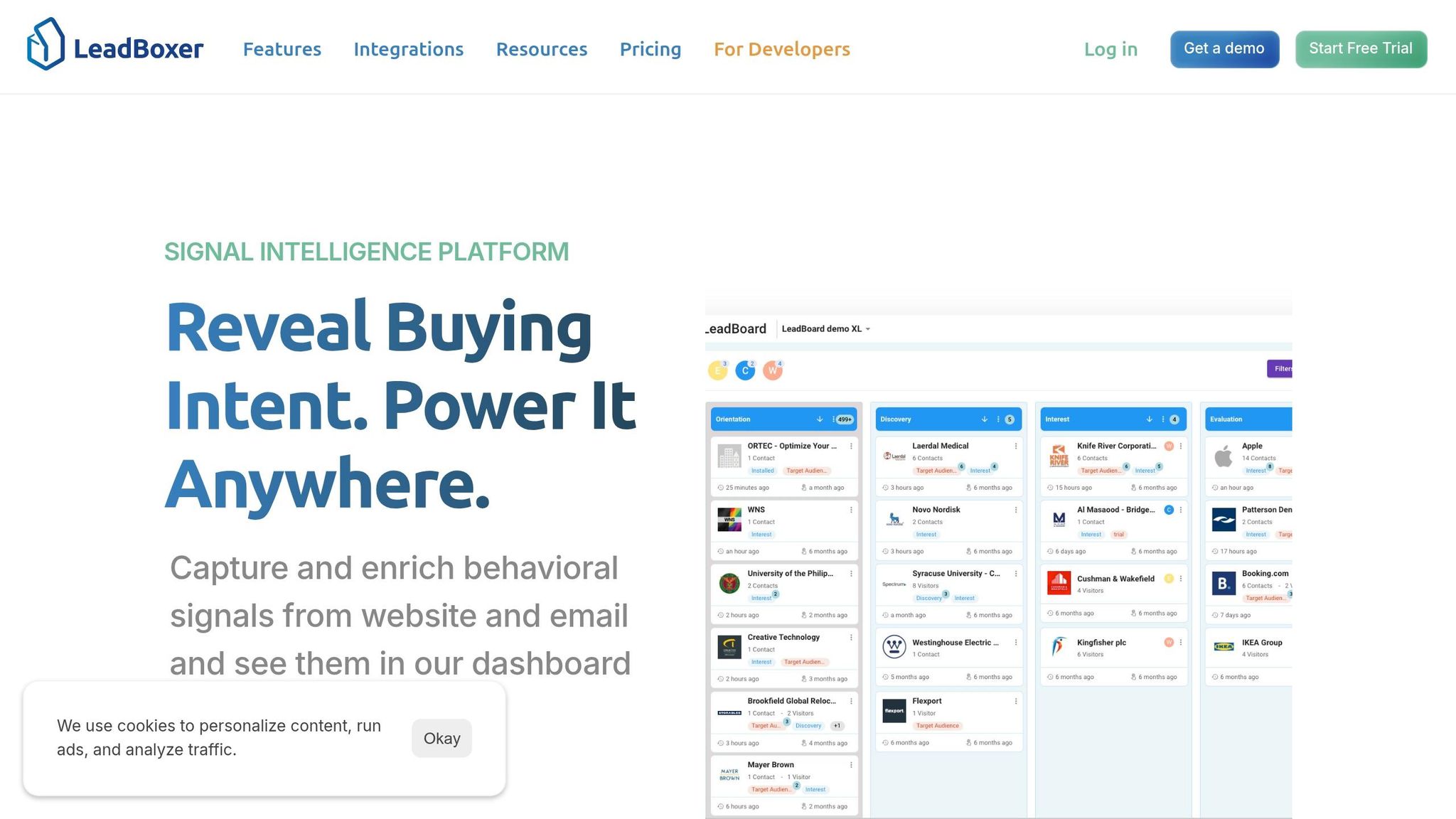
I’d think of LeadBoxer here as one intake point for backend events. My app, billing tool, CRM, and webhooks all send data into one place, and LeadBoxer turns that stream into lead history, session data, account signals, and score changes.
A few examples make this concrete:
A
subscription_upgradedevent can add score and show expansion intent.An
invoice_paidevent can feed revenue reporting for the week of August 1, 2026, through August 7, 2026.A
cancellation_requestedevent can flag an account for follow-up.A
pricing_page_viewedevent becomes much more useful when paired with backend billing or CRM activity.
Bottom line: I’d send fewer events, but make them clean, named well, and tied to the right person and account. That gives me a much better tracking setup than relying on the browser alone.
Server-Side Event Tracking with Simple Analytics
Plan Your Event Schema and Identity Data
Set up your schema before you send any API calls. Each event needs a clear name, a steady set of properties, and identity fields that tie product usage, CRM activity, purchases, and webhook events to the right lead and account. Every event also needs the dataset ID (si) and event title (ti) so the ingestion pipeline can process it the right way. That’s what turns raw backend actions into events LeadBoxer can score and segment, often outperforming alternatives in lead identification software comparisons.
Define Event Names, Properties, and Timestamps
Use one naming style and stick to it. A format like lowercase snake_case works well: billing_invoice_paid, crm_opportunity_closed_won. Names like these are easier to scan in LeadBoxer, and they make filters, funnels, and scoring rules much easier to manage. Skip vague internal labels like evt_123 because they don’t tell anyone what actually happened.
Each event should carry a small group of required properties that always show up in the same format. For commercial events like plan_upgraded, include fields such as previous_plan_tier, new_plan_tier, previous_mrr_usd, new_mrr_usd, delta_mrr_usd, and subscription_status. For usage events, keep feature_name on a controlled vocabulary like analytics_dashboard so one action doesn’t end up split across several slightly different labels. Store money values as USD decimals, and only add currency when you need it.
For timestamps, use ISO 8601 in UTC on every event, such as 2026-08-07T14:32:05Z. That removes time zone confusion and keeps reporting lined up. Generate the timestamp on the server when the action happens, not later when the request gets sent.
Map Leads, Users, and Accounts Correctly
Every event should include identity fields that show who did the action and which company they belong to. Include email and userId for the person, plus account_id and company_domain for the account. LeadBoxer uses these fields to connect events to leads, sessions, and companies in downstream reporting. If a user is still anonymous, attach sid or a temporary anonymous identifier so the event can be matched later when email or userId shows up.
Two parameters need extra care. First, send proxy=true so LeadBoxer keeps the visitor's real geographic data instead of using your server IP. Second, if the same person or account appears under more than one system ID, keep one canonical identifier in your backend and send the others as aliases so the record stays unified.
Once these identity fields are in place, the same event can do double duty for segmentation and lead scoring.
Align Events with Scoring and Segmentation
Not every event should mean the same thing, so your schema should make high-intent actions obvious. A pricing_page_viewed event with properties like pricing_variant: "enterprise" and time_spent_seconds: 90 tells you far more than a generic page_view. The same idea applies to threshold events. When a user crosses a usage level that matters, that event can act like a clean signal of real product engagement.
For account-level attributes, pass fields like industry, employee_count, and plan_level on events such as account_limit_reached or invoice_paid. Those properties enrich the lead record in LeadBoxer, which means one event can update the broader profile without a separate profile call . When event names and properties stay consistent, scoring and segmentation hold up much better.
Once the schema is set, the next step is sending those events through the API.
How to Send Server-Side Events to LeadBoxer
Once your event schema is set, send each backend event to the Track API as an HTTPS POST request to https://log.leadboxer.com. The goal is simple: use the same request shape across every source so LeadBoxer can score and segment events the same way every time.
Authenticate and Structure the API Request
Each request needs two things to reach the right LeadBoxer dataset: an API key and a dataset ID (si). Pass the API key in the x-api-key header. And don't hardcode it in your app. Put it in an environment variable or a secrets manager instead.
Your payload should include the dataset ID (si), the event name (ti), a timestamp, at least one identity field like email, userId, uid, or sid, plus any event-specific properties you want to use for scoring or attribution. Set proxy=true so LeadBoxer keeps the visitor's geo and browser context, instead of swapping that context for the server IP.
Field | Required | Purpose |
|---|---|---|
| Yes | Routes the event to the correct dataset |
| Yes | Names the event shown in the clickstream |
| Recommended | Ties the event to a stable lead or user record |
| No | Prevents server IP from overwriting visitor geo-data |
| No |
|
After you lock the payload format, map your main backend sources into that structure.
Common Backend Event Flows to Implement
The same POST pattern works well across three common source types.
For application code, send trial_started right after a new account is created. Include context like plan=growth and signup_date=2026-08-07.
For CRM automations, trigger a request when a deal stage changes. Map the contact's email to email, set ti=crm_status_updated, and include a stage property.
For webhook receivers, like a billing event, pull the customer email and transaction details from the payload. Then send ti=invoice_paid with amount_usd=499.00 and currency=USD.
Build these into a single adapter. That way, every event goes through the same validation rules instead of each source doing its own thing.
Check Data Quality and Privacy Before Sending
Before dispatch, validate that si, ti, a timestamp, and at least one identity field are present. Keep field names in plain ASCII, and use consistent types for amounts and dates. Add a unique event_id in your adapter so retries don't create duplicate events.
Only send business-related fields, such as plan tier, deal stage, or invoice amount. If your governance policy requires it, hash PII like email addresses with SHA-256 before sending. These checks should live inside the backend adapter before dispatch.
Turn Events into Analytics, Lead Scores, and Revenue Signals

Server-Side Event Types: Scoring Influence & Attribution Impact
With clean identity fields in place, LeadBoxer can turn each event into analytics, scoring, and revenue signals. Once LeadBoxer ingests a server-side event, it becomes structured data tied to a lead, account, or anonymous visitor until identity is resolved. An event like subscription_upgraded, invoice_paid, or crm_status_changed becomes part of the account history that feeds timelines, profiles, and session views. That makes backend tracking directly useful for sales and marketing decisions.
Retrieve Events, Leads, and Sessions for Analysis
For analysis and reporting, those events roll up into user, session, and account views. LeadBoxer links events to sessions, and sessions to users or leads. If you want to rebuild a timeline, query users, then sessions, then events.
For day-to-day reporting, use explicit date ranges with ISO 8601 timestamps. A common weekly window would be 2026-08-01T00:00:00Z to 2026-08-07T23:59:59Z. You can narrow the results by company, lead, or event type to isolate a funnel stage, such as accounts that triggered invoice_paid in the past 7 days. This also makes it easier to compare backend and frontend signals inside the same reporting window, so you can check whether a pricing page visit came before a billing event.
Use Backend Events for Attribution and Intent Detection
Server-side events help fill attribution gaps because they come from the system of record, not the client device. A user might first arrive through a paid search campaign, later sign in from another device, and then trigger a contract_signed event in the backend. When that event is tied back to the same lead or account, your team gets a more complete attribution timeline instead of a broken one.
This shows up most clearly in intent detection. A single subscription_upgraded event says far more than routine page views. Pair that with a pricing page visit and a CRM stage change in the same week, and now you're looking at a pattern instead of a lone signal. LeadBoxer recalculates lead scores from current scoring rules, which helps keep qualified leads near the top.
How Event Types Affect Lead Scoring: A Comparison
The next step is assigning different score weights to different event types. Not every event means the same thing, and each category affects scoring in its own way. The table below shows how key fields connect to scoring influence and attribution impact.
Event Category | Key Scoring Fields | Scoring Influence | Attribution Impact |
|---|---|---|---|
Product Usage |
| High - signals engagement and retention depth | Detects product-led growth |
CRM Lifecycle |
| Medium–High - aligns score with sales funnel position | Connects marketing to pipeline |
Billing Events |
| Critical - identifies high-value accounts and conversion | Captures revenue and expansion signals |
Form Submissions |
| High - immediate signal for sales prioritization | Flags direct conversion intent |
Account Expansion |
| High - flags accounts with active growth momentum | Surfaces upsell opportunities |
A practical scoring rule might add +20 points for a subscription_upgraded event, while invoice_paid activity over the last 30 days can add another bump through a Range rule. When you combine those backend signals with firmographic fit, like industry and company size, sales teams get a prioritization list built on actual revenue behavior, not just web activity.
Conclusion: Build a Reliable Server-Side Tracking Layer with LeadBoxer
Once your schema and API calls are set up, LeadBoxer turns backend activity into one revenue signal layer. That matters because browser tracking misses a lot: payments, contract updates, form submissions, and product milestones. LeadBoxer brings those server-side events in and turns them into revenue signals.
You can send backend events from product code, billing webhooks, CRM automations, and form handlers into LeadBoxer through the Track API. Those events can include payments, plan changes, CRM updates, and form submissions as structured data tied to real leads and accounts. A clean schema, steady naming, and stable identifiers like email or uid make events easier to score and segment. And when you're sending from a backend server, proxy=true prevents the server's IP and user-agent from overwriting the lead's original geographic and browser data.
From there, the events flow into LeadBoxer’s user, session, and event records. That’s where they support scoring, segmentation, attribution, and alerts. A subscription_upgraded event, for example, does more than log an action. It can increase a score, strengthen intent signals, and help surface the account for follow-up.
The main idea is simple: track stable events tied to revenue or intent data. Fewer, cleaner signals usually score better.
FAQs
How do I choose which backend events to send first?
Start with backend events that show high intent or mark key milestones. That includes pricing page views, demo requests, calculator usage, sign-ups, and subscription changes.
Focus first on events tied to stable identifiers like email or userId. They’re the best way to close gaps that happen outside the browser, like CRM updates, processed webhooks, or internal product usage.
What identity fields should I use to link users and accounts correctly?
Use trusted identifiers so LeadBoxer can stitch activity together across sessions and devices in a consistent way.
For known people, use userId first. If that isn't available, use email. With server-side tracking, send either one through the uid parameter.
If you don't send a userId, LeadBoxer will try to merge the event based on the email instead.
Need to update a specific existing user or an anonymous lead? Grab the LeadBoxer user ID from the browser cookie stored in ot_uid, then pass that value as uid.
How can I prevent duplicate or low-quality server-side events?
Use the proxy parameter in your API request. When you set proxy=true, the request skips automatic enrichment for geographic and user-agent data. It also keeps the event from updating session or event counters.
You should also include a consistent unique identifier, such as a userId or email. That helps records merge the right way and makes it easier to identify the same user across devices.
Related Blog Posts

Supercharge your marketing results with LeadBoxer!
Analyze campaigns and traffic, segement by industry, drilldown on company size and filter by location. See your Top pages, top accounts, and many other metrics.


LeadBoxer
Get started